Skip to content
Edify for kidsEdify Bible Kids and the kids profile

Bible time your children look forward to.

Bible stories that read themselves, a quiz after every story, games and puzzles, memory verses, an easy Bible and a bedtime story every night. Every one earns a star that carries them from Little Lamb to Bible Champion. Safe by design, with no ads, chat or AI, and screen-time controls for you.

Coming soon toGoogle PlayComing soon toApp Store

Or switch to the kids profile inside Edify - Bible, free in the same app.

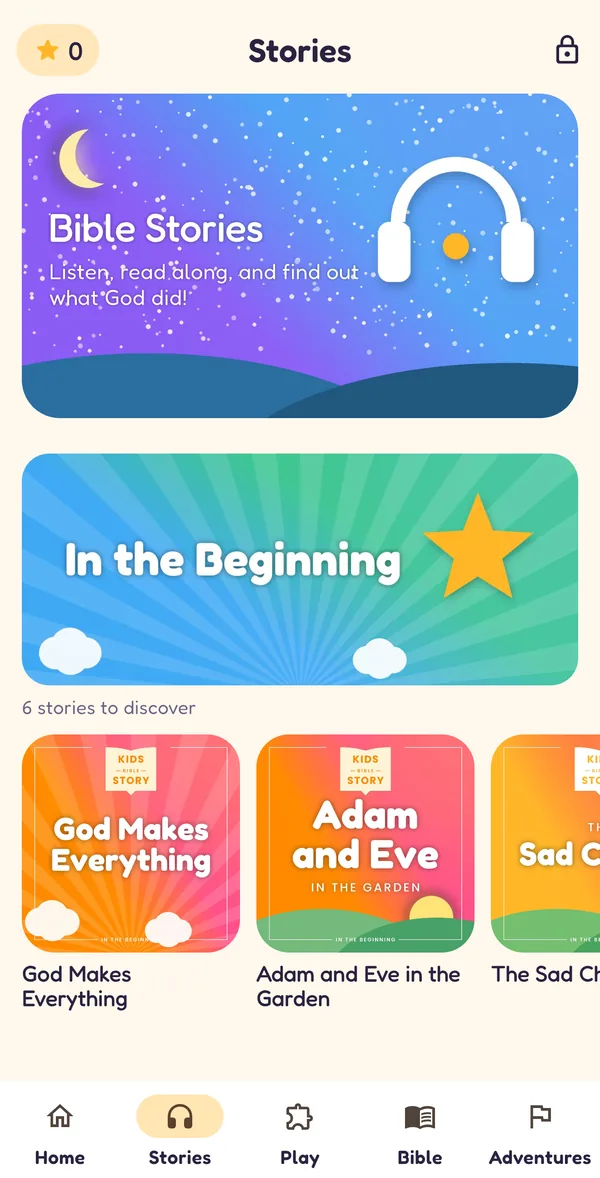
The kids Stories page with Bible story series
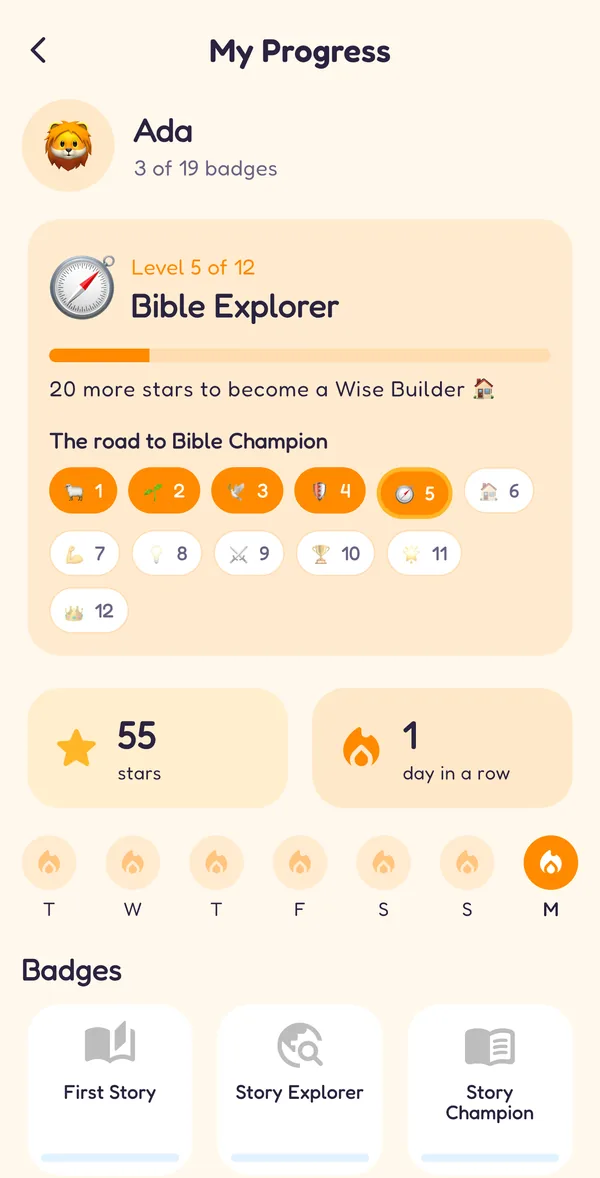
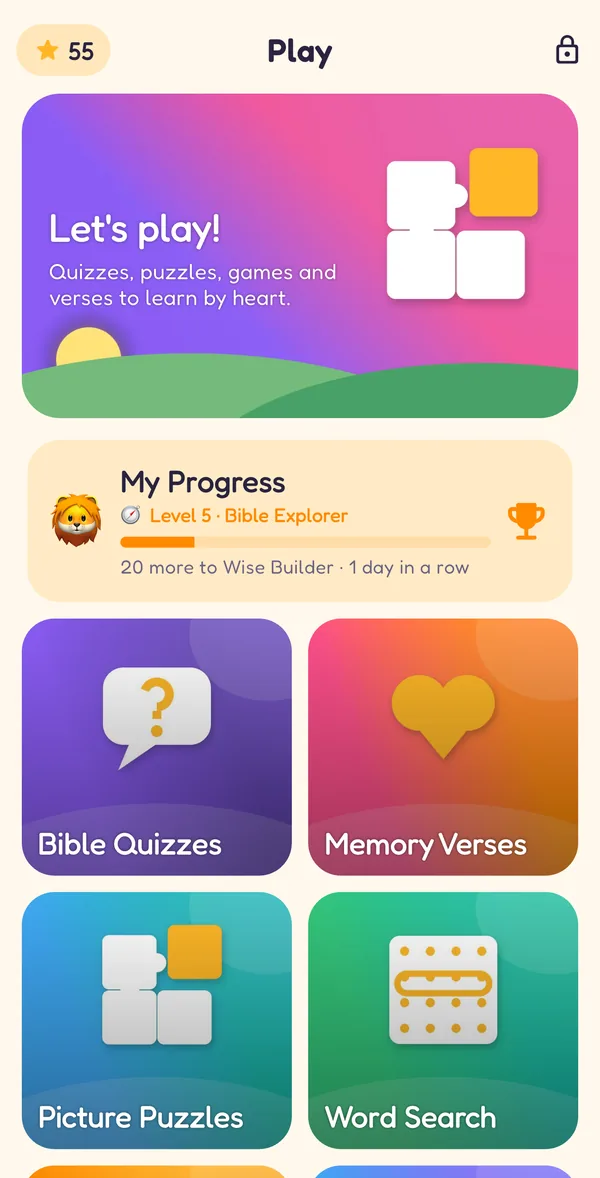
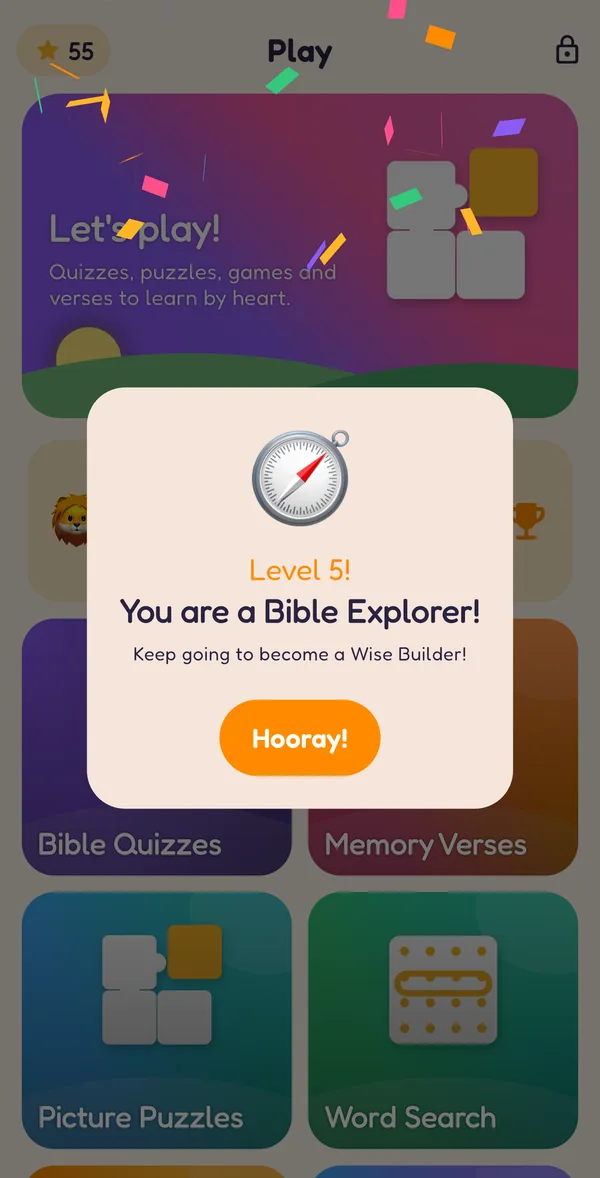
My Progress: Level 5 of 12, Bible Explorer, 20 more stars to become a Wise Builder, and the road of twelve levels to Bible Champion
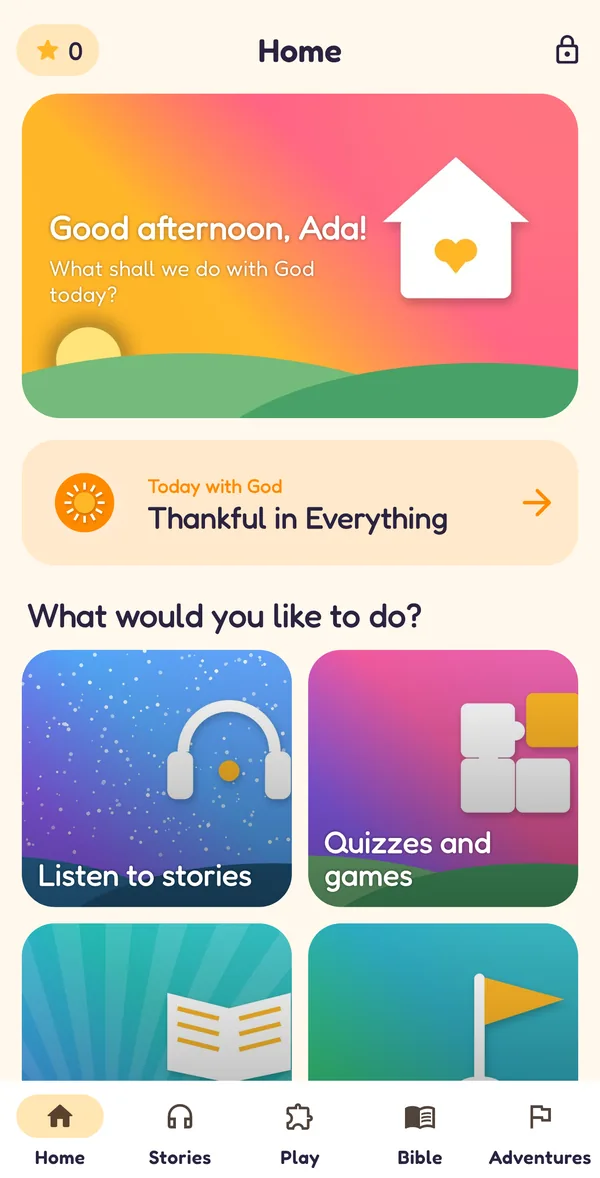
The kids home: hello Ada, today's Bible thought and picture cards for stories, games, the Bible and adventures

A home made for children

  • 117Bible stories
  • 117story quizzes
  • 150true or false facts
  • 120who said it?
  • 40word searches
  • 30picture puzzles
  • 52memory verses
  • 12champion levels
Inside the kids profile

Listen, play and learn, one star at a time

They listen to a Bible story, take its quiz, solve a puzzle and learn a verse. The more they play, the more of God’s Word they know.

Bible stories that read themselves

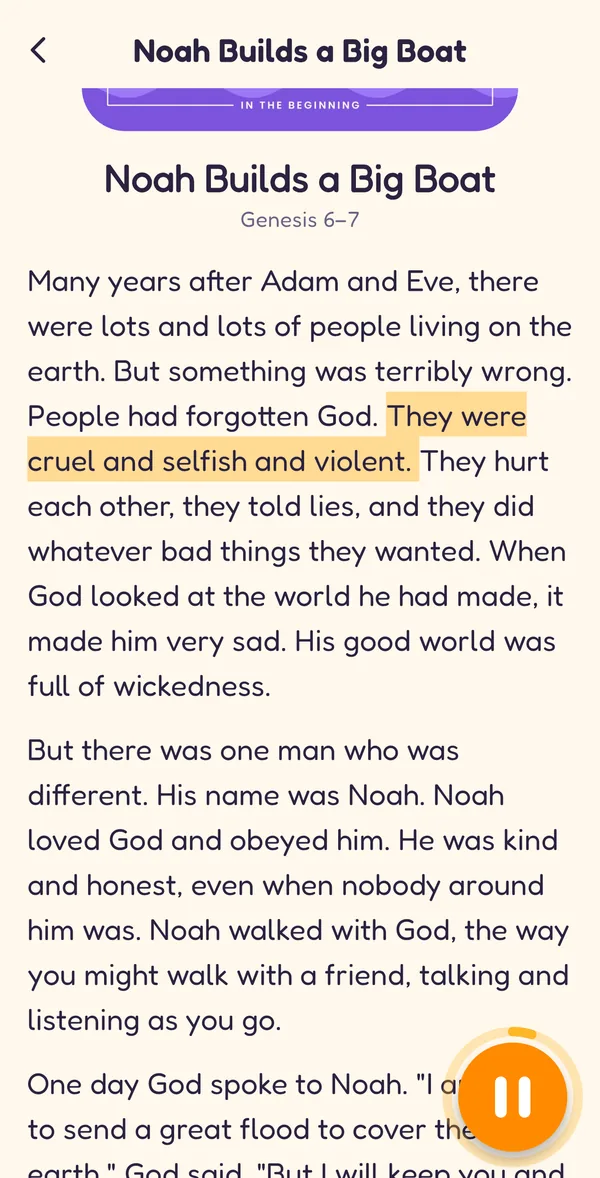
Stories are read aloud while the words light up, so children follow along, hear God’s Word and grow as readers.

A kids Bible story playing with the sentence being read highlighted and a progress wave at the bottom
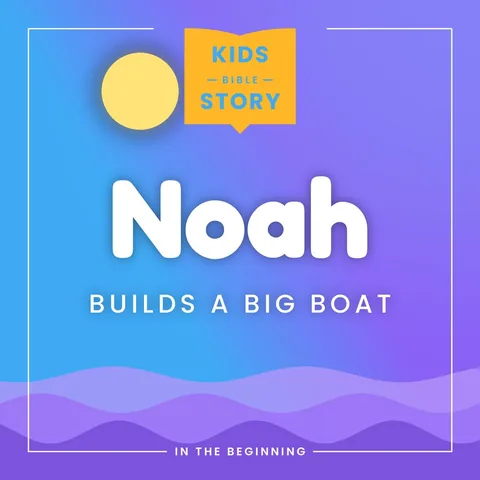
Kids story cover: Noah Builds a Big Boat Kids story cover: David and Goliath

The road to Bible Champion

Every Bible story, chapter, quiz, memory verse and game earns a star. Stars carry children up twelve levels, with a celebration at each one, so a few minutes with God’s Word today makes them want to come back tomorrow.

  1. 1Little Lamb
  2. 2Seed Sower
  3. 3Faithful Friend
  4. 4Brave Shepherd
  5. 5Bible Explorer
  6. 6Wise Builder
  7. 7Mighty Helper
  8. 8Shining Light
  9. 9Faith Warrior
  10. 10Bible Champion
  11. 11Super Champion
  12. 12Crowned Champion

Everything in the kids profile

Stories read aloud

67 long Bible stories and 50 Open Bible Stories, narrated with the words lighting up as they are read.

A quiz after every story

Five friendly questions check what they heard, and every right answer earns a star.

Games with levels

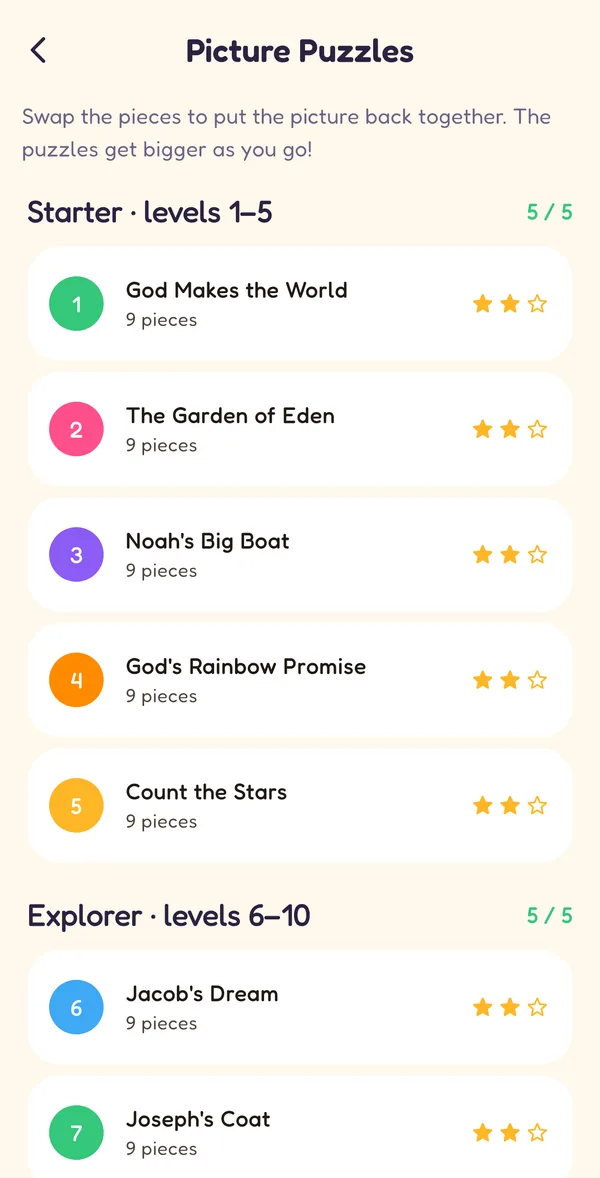
Picture puzzles, word search, memory match and more, in levels that open one after another.

Levels, streaks & badges

Twelve champion levels, a days-in-a-row streak and badges make Bible time something to come back to.

Memory verses

52 verses to learn a little each day, and a verse builder to put them together.

Their own Bible & devotional

An easy-to-read Bible, Bible adventures day by day and a short daily devotional to read together.

Bedtime stories

One story with soft music and a dimmed screen, then everything stops and says good night.

Stories offline

Save a whole story series on the phone to listen in the car, on a plane or at church, without the internet.

Screen time & quiet time

Set a daily limit and a quiet time at night. When time is up, a gentle Time to rest page waits for your PIN.

New

Made for real family life

Bedtime, car journeys and screen time: the kids profile fits around your day, and you stay in charge.

Bedtime story

One story, soft music, then sleep tight

The Bedtime story button turns the app into a calm night light. Your child picks one of three stories, the screen goes dark and dim, the narration plays over soft music, and everything stops at the end with a good-night message.

  • One story only: no autoplay into the next one
  • A dimmed, dark screen that is easy on sleepy eyes
  • Soft background music, whatever music is chosen for the day
  • Still allowed in quiet time, so bedtime never needs the PIN
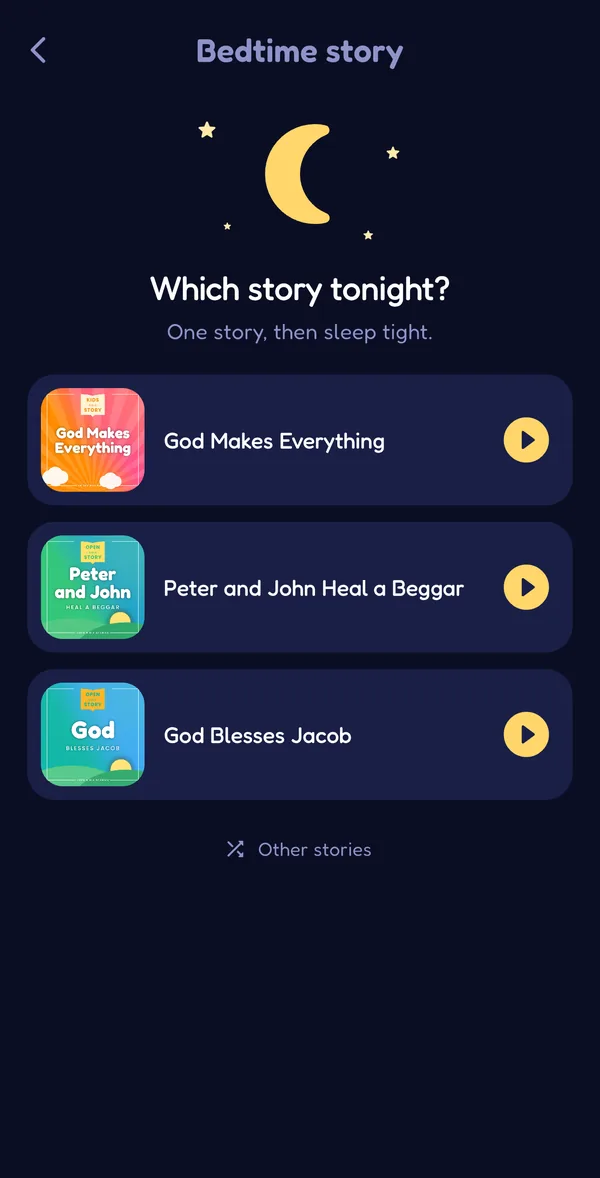
The Bedtime story page: a moon and stars above 'Which story tonight?' with three stories to pick
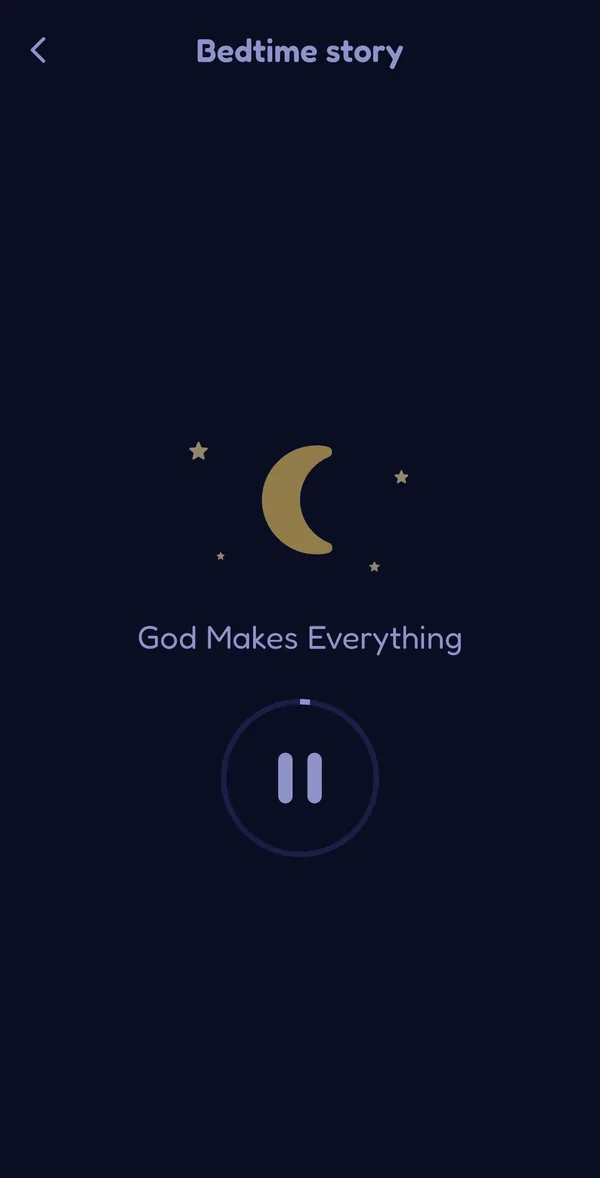
A bedtime story playing on a dark, dimmed screen with a pause button
Stories offline

Bible stories in the car, on a plane or at church

Save a whole story series on the phone with one tap. The stories, their pictures, their narration and the read-along text are kept, so they play without the internet.

  • Save for offline under every series, after a quick grown-ups check
  • Saved stories play from the phone, even with no signal
  • Grown-ups shows how many stories are saved and how much space they use
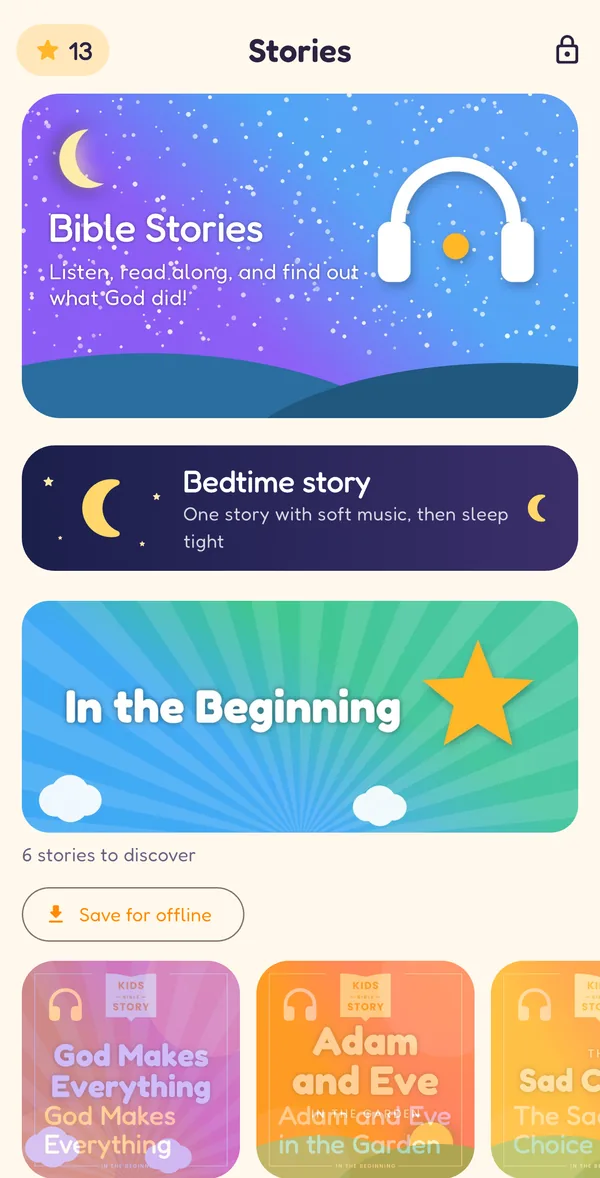
The kids Stories page with the Bedtime story card and a Save for offline button under the first series
Screen time

A daily limit and a quiet time, set by you

Choose how long the kids profile can be used each day, from 15 minutes to 2 hours, and a quiet time for the night. When time is up, a gentle Time to rest page takes over until you enter the PIN.

  • Daily limits of 15, 30, 45 or 60 minutes, 90 minutes or 2 hours
  • Quiet time, for example 8 pm to 7 am, when only a bedtime story can play
  • With the PIN: 15, 30 or 60 more minutes, or the rest of the day
  • The same settings on every phone and tablet your child uses
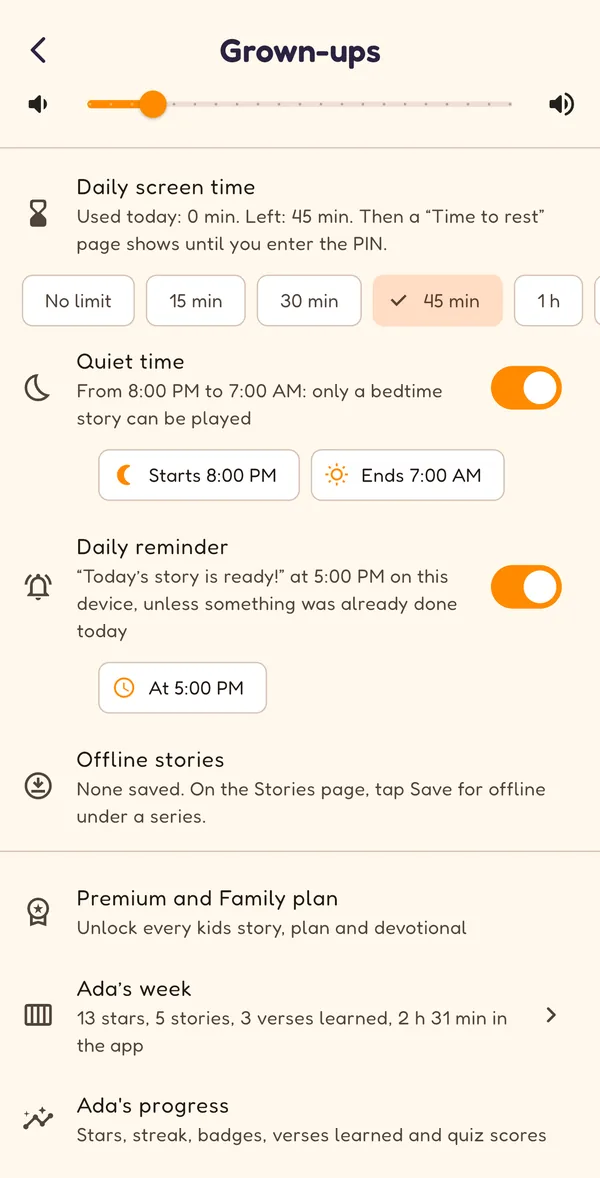
Grown-ups: daily screen time of 45 minutes, quiet time from 8 PM to 7 AM and a daily reminder at 5 PM
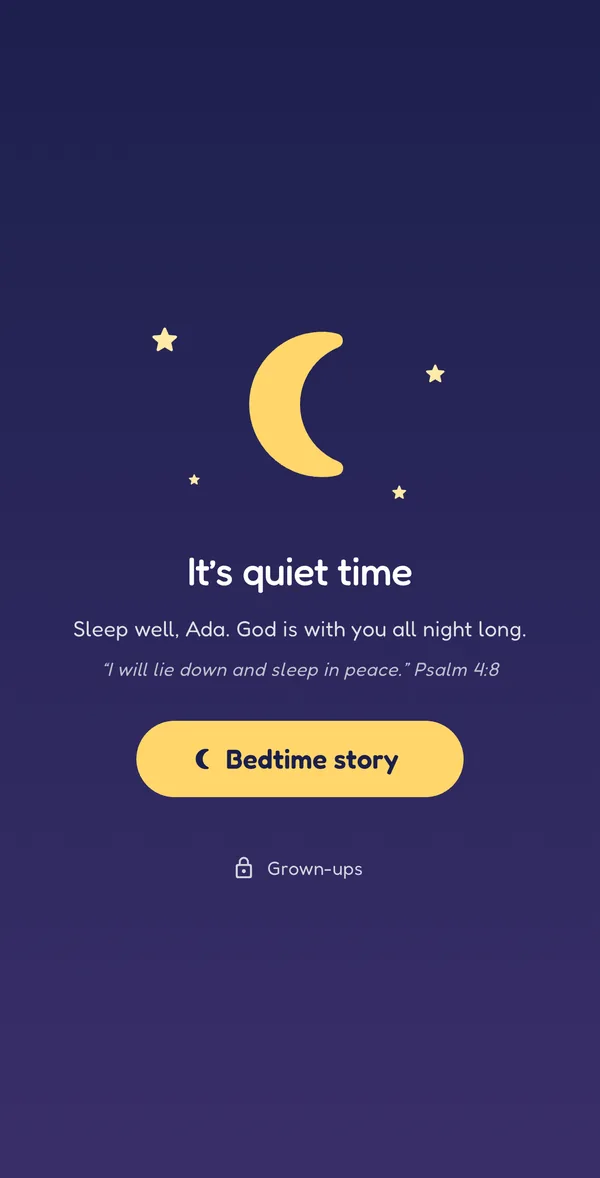
The quiet-time page: 'It's quiet time. Sleep well, Ada. God is with you all night long.' with a Bedtime story button
For parents

Their week at a glance, and a gentle reminder

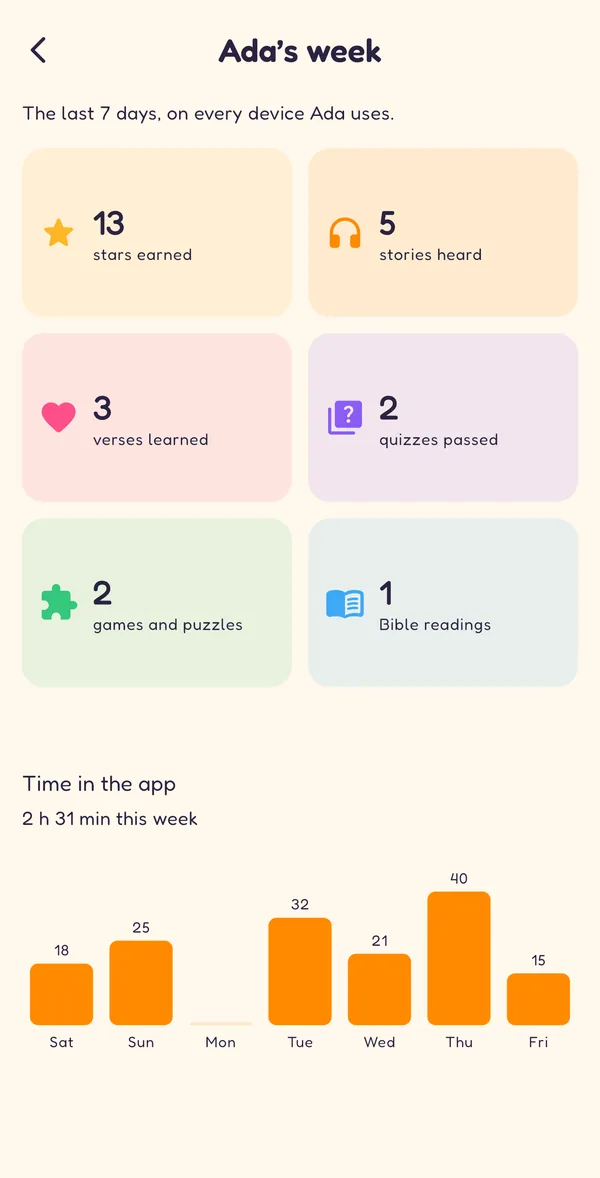
See what your child did in the last seven days: stars, stories heard, verses learned, quizzes passed, games and puzzles, Bible readings and minutes in the app each day. Turn on a daily reminder so a story is never forgotten.

  • In Grown-ups in the kids app, and in Edify under Settings, Family & Kids
  • An optional Sunday-evening email to you, in your own time zone, that you can turn off
  • A friendly daily reminder at the time you choose, skipped once something is done
Ada's week: 13 stars, 5 stories heard, 3 verses learned, 2 quizzes passed and a bar chart of minutes per day
Edify Bible Kids logo: a smiling baby peeking over the Edify book
Two ways to use it

Its own app, or a profile in yours

Edify Bible Kids is the kids profile on its own, for your child’s phone or tablet, with nothing from the grown-up app. Or use the kids profile in Edify - Bible: switch to it in one tap from your own account, and back with your PIN. Both have the same stories, games, levels and Bible, and progress follows your account.

  1. 1Sign in as the parent. Use your Edify account, or create one in the app. Your child never needs an account or an email address.
  2. 2Make their profile. Choose their name, a picture and a PIN that keeps the grown-up settings yours.
  3. 3Let them explore. Every story, game and adventure is free from day one, with nothing to buy and no ads.
Coming soon toGoogle PlayComing soon toApp Store
For parents

Safe by design

  • No ads, chat, social links or AI anywhere in the kids profile
  • Switching back to the grown-up profile, or opening Grown-ups in Edify Bible Kids, needs your PIN
  • Giving, links and sign-in are behind a grown-ups question
  • Your child’s stars and progress are kept apart from your own notes and plans, and sync to your other devices
  • A daily screen-time limit and a night-time quiet time, set by you
  • Their week at a glance, with an optional Sunday email to you
  • Edify Bible Kids has no ads, analytics or tracking, and never asks your child for personal details

Read how children’s data is handled in our Privacy Policy.

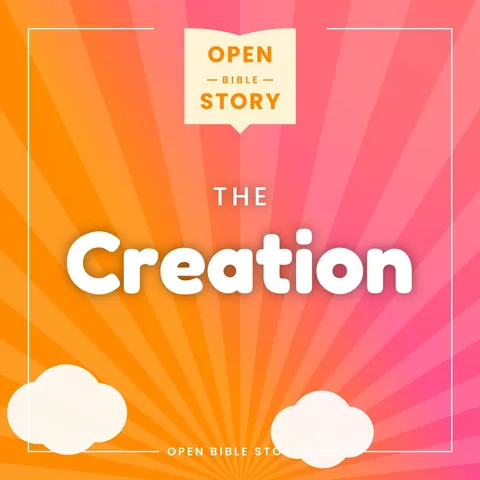
  • Open Bible Stories cover: The Creation
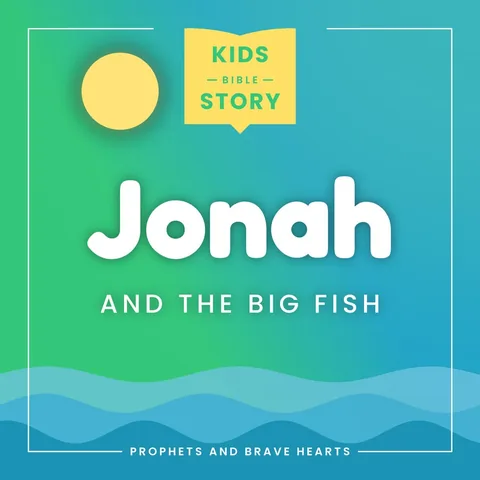
  • Kids story cover: Jonah and the Big Fish
  • Kids story cover: Daniel in the Lions' Den
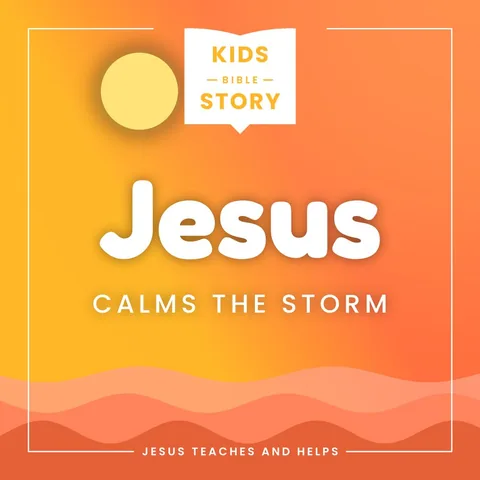
  • Kids story cover: Jesus Calms the Storm
  • Kids Bible adventure cover: Meet Jesus
Free forever

Every story and game is free. Forever.

No subscriptions, no ads and nothing to unlock, in Edify Bible Kids and in the kids profile in Edify - Bible.

Free forever

Everything

In Edify - Bible and Edify Bible Kids

  • Every Bible story, with read-along narration
  • Every quiz, puzzle and game level
  • All the Bible adventures, memory verses and daily kids devotionals
  • Stars, levels, streaks and badges
  • Bedtime story, offline listening, screen time, quiet time and the weekly summary

Support Edify

For grown-ups, only if you would like to

  • Give once, or every month, from Grown-ups (behind your PIN)
  • Paid through the App Store or Google Play; children never see it
  • Change or stop a monthly gift any time in your store settings
  • Giving never unlocks anything: it keeps Edify free for every family
FAQ

Questions parents ask

Something else? Email support@edify-bible.com.

Is there a separate app for children?

Yes. Edify Bible Kids is the kids profile as its own app, for a child's own phone or tablet. A parent signs in with their Edify account (or creates one in the app), sets up the child's profile and a PIN, and the child gets the same Bible stories, games, levels, memory verses and easy Bible. Everything in it is free: every story, game, adventure and Bible, with no ads, analytics, tracking, chat or AI.

Is there a kids version of Edify?

Yes. Edify has a kids profile you switch to in one tap from your own account: Bible stories read aloud with read-along text, a quiz after every story, picture puzzles, word search, memory match, true or false and more in levels that open one after another, memory verses, twelve champion levels from Little Lamb to Bible Champion with stars, streaks and badges, an easy-to-read Bible, Bible adventures and a daily kids devotional. There are no ads, chat, social links or AI in the kids profile, and switching back to the grown-up profile needs your PIN. The kids profile is completely free, with every kids story, game and adventure.

Can I limit my child's screen time?

Yes. In Grown-ups (behind your PIN) you can set a daily limit from 15 minutes to 2 hours and a quiet time, for example from 8 pm to 7 am. When time is up, a gentle Time to rest page shows until you enter the PIN to give more time; during quiet time only a bedtime story can be played. The settings follow the kids profile on every device it is used on. Grown-ups also shows your child's week (stars, stories, verses learned, quizzes and minutes per day), with an optional weekly email to you that you can turn on or off.

Can my child listen without the internet?

Yes. On the Stories page, tap Save for offline under a story series (it asks a grown-up first). The stories, their pictures and their audio are kept on the phone; Grown-ups shows how much space they use and can remove them.

What ages is it for?

The kids profile is made for children of about 4 to 12. Younger children enjoy the read-aloud stories, the bedtime story and the picture games with a grown-up; older children read the stories themselves, take the quizzes, learn memory verses and read their own Bible. Text size and audio speed can be changed in Grown-ups.

How much does it cost?

Nothing. Edify Bible Kids and the kids profile in Edify are free forever: every Bible story, quiz, game, adventure, devotional and memory verse, with no ads and nothing to buy. Grown-ups can choose to give a one-time or monthly gift (behind the grown-ups PIN) to help keep it free, but it never unlocks anything.

Does my child need an account or an email address?

No. A parent or carer signs in with their own Edify account and sets up the child's profile with a first name (optional), a picture and a PIN. The child never needs an account, an email address or any personal details, and their progress is kept with the parent's account.

What do parents see?

Behind the PIN, Grown-ups shows your child's level, streak, badges, stories heard, verses learned and quiz scores, and a summary of the last seven days with minutes per day. You can also choose the Bible your child reads, the text size, audio speed and background music, screen time, quiet time, the daily reminder and saved stories.

Give them a love for God’s Word

“Let the little children come to me.” — Matthew 19:14

Coming soon toGoogle PlayComing soon toApp Store

Already use Edify - Bible? The kids profile is in Settings → Family & Kids.